A few more shots

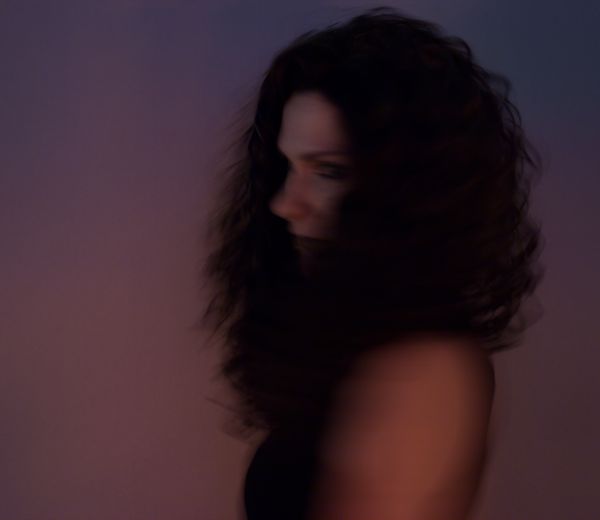
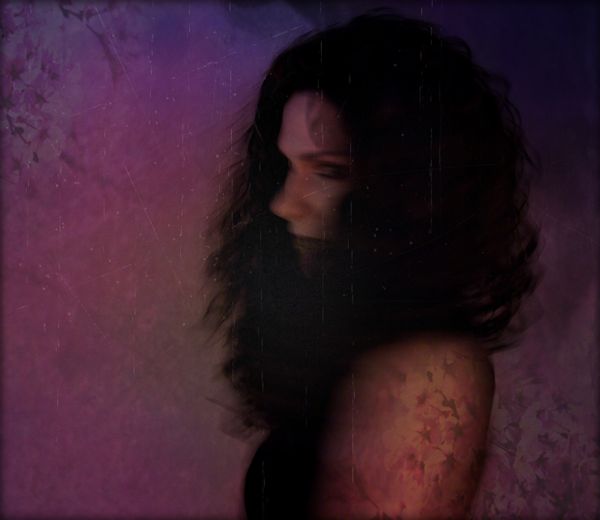
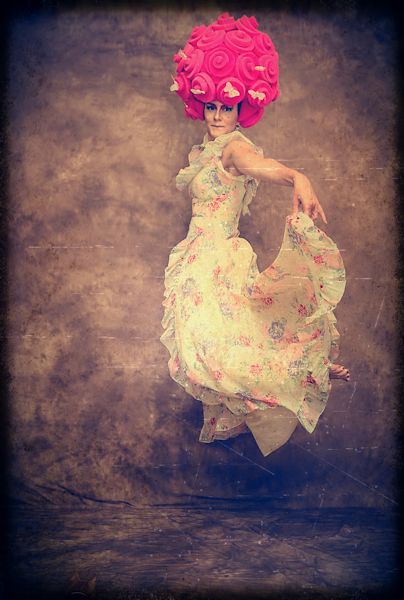
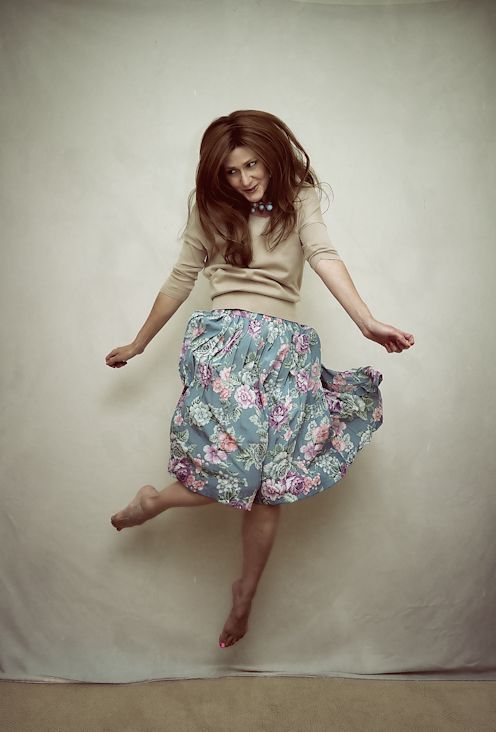
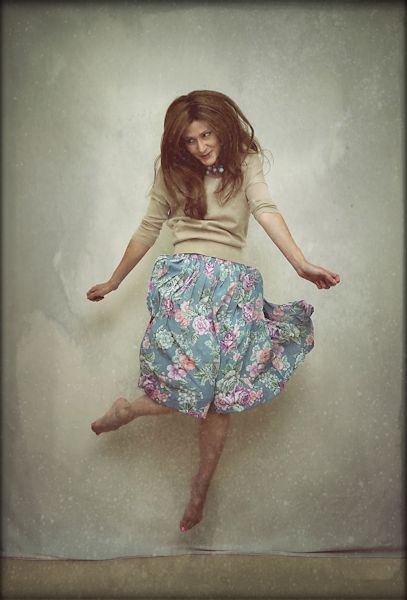
Just a few more from Sunday’s shoot that I’ve had time to process. As I mentioned earlier, I forgot to alter my lighting setup when I switched from portraits to full-length shots, so these suffered a little from that error. They weren’t nearly as crisp as I like them to be, and the light was blown out a little – so I used Pixlr to disguise these flaws a bit. Plus, I’m getting bored of the beige backdrop now – it wasn’t nearly as easy to transform into another color as I thought it would be, and was next to impossible to do in these full-length shots (you need a lot of contrast between the subject and the background – which is why people use greenscreens so often – and that mottled beige background did NOT contrast with what I was wearing at all) so without some Pixlr-ing they weren’t all that exciting to me. At first I wasn’t excited by them even after giving them the Pixlr treatment, but they’re starting to grow on me.
morepink7
Can anyone spot the kitten in this photo? I purposely left him in the shot.

I always try to go easy with the Pixlr effects, because it’s a very popular free program and I don’t want my shots to scream that I used it. I don’t know why this matters to me; I guess I just want the edits to blend well into the shot and not have any one particular filter or effect stand out to people.

morepink6
Clearly though, I like the scratchy textures Pixlr offers.

morepink8
Love the movement of the skirt in this one.

morepink9
I used some interesting overlays here – one was a space filter, and fire was another. I kept them subtle so you wouldn’t be able to recognize what they are; I think the end result looks rather ghostly.
Photoedits

There’s a great free program called Pixlr that I discovered about a year ago; I used to use it quite a bit but haven’t accessed it much in several months. However, with my recent light and shutter-speed experiments I’ve been getting back into it again, since working with those photos is a different animal from my usual work.

110_Snapseed
Photo pre-Pixlr

Pixlr has an easy user interface and loads of options to add visual interest to photos. I don’t use it to make major adjustments to clarity, contrast, brightness or anything like that since I do that as a RAW file through Photo Ninja, but I love the overlays and borders available there. I use the effects option on occasion as well, but mostly it’s the overlays and borders that I use. And no, Pixlr’s not paying me to say any of this (as if). I just pulled some photos into it this weekend and realized I hadn’t shared it with readers before.

110_Snapseed_pxr
Post-Pixlr; adding a border and overlay

Generally if I edit a photo with Pixlr now, it’s because I feel it’s a little boring and needs something extra to add interest. The downside is you can’t upload TIFF or PSD files so I have to edit them in JPEG format, which I really hate to do – but to use Pixlr it has to be done.

055
Pre-Pixlr; it’s fine but a bit boring

Personally I like using the “efficient” editor, but there is a “playful” one you can download and even put on your phone. The efficient editor allows you to control the intensity of the effects you add as well as move them around the image, so I much prefer that version as I like to disguise the “pixlr-ness” of the overlays as much as possible when I use it.

055_Snapseed
Post-Pixlr; added several overlays and a subtle border

Anyway, it’s a cool little free editor that’s well worth a look. Just click browse, upload a JPEG, and play around for awhile. Hours of fun!